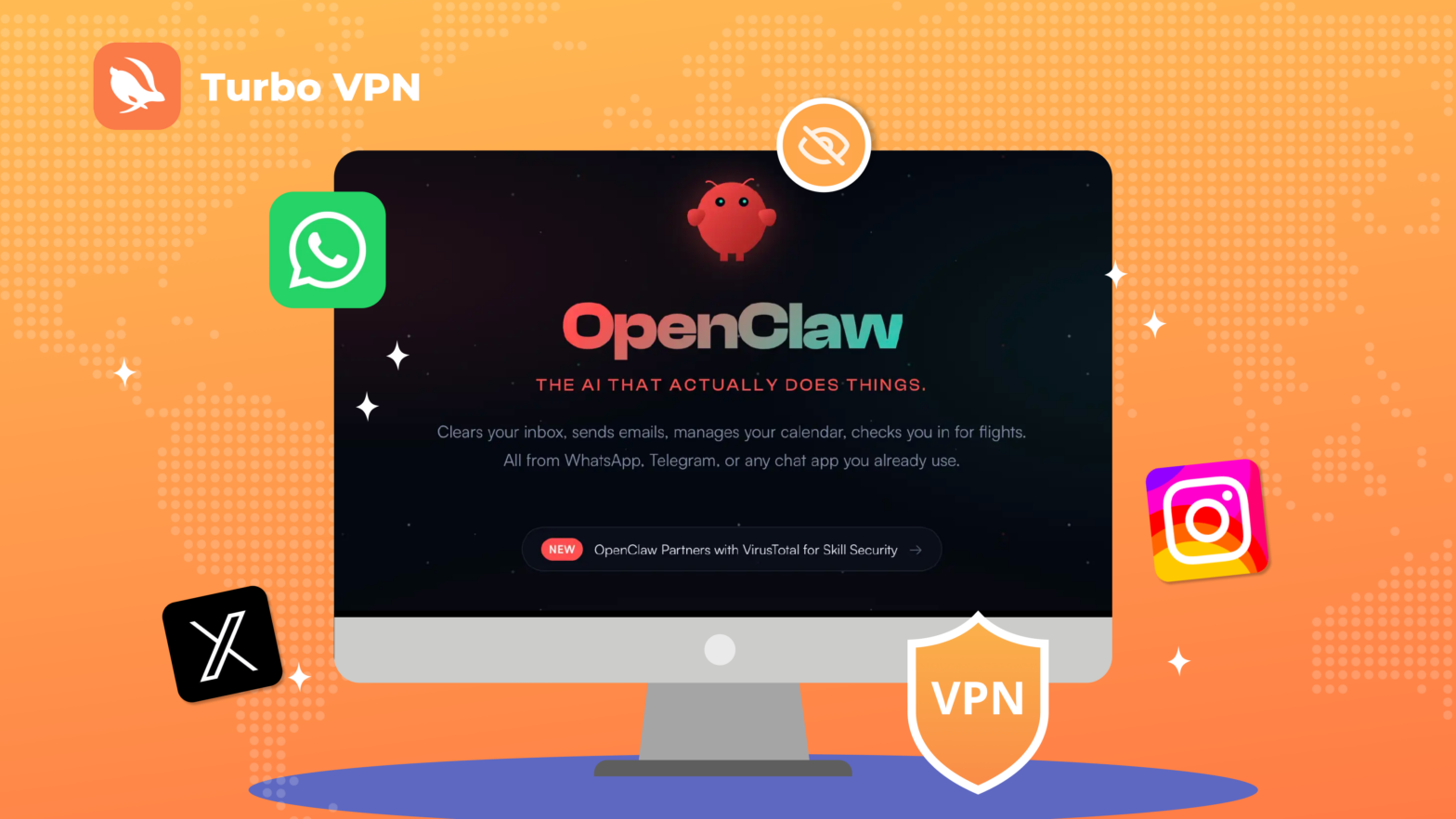
OpenClaw is shaking up the AI agent world in 2026, automating tasks across apps and services like never before. But powerful automation comes with risks to your data and privacy, making tools like Turbo VPN essential for keeping your online activity safe.
Table of Contents
- What Is OpenClaw?
- How OpenClaw Works?
- What Can OpenClaw Do? The Key Features
- What Apps and Services Can OpenClaw Connect To?
- How to Install OpenClaw?
- Is OpenClaw Safe? What You Need to Know
- How to Use Turbo VPN to Enhance Your Online Safety?
- Why Turbo VPN Matters for Network Security
- Best Practices to Use OpenClaw Safely
- Final Thoughts
What Is OpenClaw?
OpenClaw (previously Moltbot and Clawdbot) is a self-hosted AI agent that lives in your communication channels. Instead of simply answering questions, it can execute actions on your behalf.
Originally released in 2025 as Clawdbot, the project quickly gained popularity among developers because it allows users to build their own personal AI assistant that runs locally on their device or server. Unlike typical cloud AI assistants, OpenClaw is designed to live inside your messaging platforms and digital tools, acting as a central AI agent that helps automate tasks.
How OpenClaw Works?
OpenClaw functions as a bridge between your messaging apps, AI models, and system tools. Your messages go to OpenClaw (running on your machine or server), which processes them, calls the AI, and sends responses back.
The process usually works like this:
1.You send a message
You interact with the AI through apps like Telegram, Discord, or WhatsApp.
2.OpenClaw receives the request
The system’s gateway processes your message and determines which AI agent should handle it.
3.The AI analyzes the task
The request is sent to an AI model such as GPT, Claude, or Gemini.
4.The agent executes actions
The AI can run scripts, access files, call APIs, or perform other automated actions before returning a response.
What Can OpenClaw Do? The Key Features
OpenClaw is more than just an AI chatbot. It is an autonomous AI agent platform that can interact with tools, access files, run commands, and automate workflows across multiple apps and services.
Autonomous AI Agent
OpenClaw agents can plan tasks, make decisions, and execute multi-step workflows automatically. Unlike traditional chatbots, they can complete tasks with minimal user input, such as sending emails automatically, organizing files or data, creating calendar events, and performing scheduled actions, helping users automate many everyday digital tasks.
Persistent Memory
OpenClaw agents maintain long-term memory, allowing them to remember previous conversations, user preferences, and project details. This helps maintain context across sessions, reduces repetitive instructions, and saves time when managing ongoing tasks.
Tool and Skill Integration
OpenClaw integrates with many messaging platforms and external tools, enabling users to control the AI assistant directly from apps they already use. With 50+ integrations across popular apps and services, OpenClaw allows users to manage workflows, send commands, and automate tasks without constantly switching between platforms.
24/7 Background Tasks
OpenClaw can run continuously in the background, performing long-running processes that may last for hours or even days. It can monitor data sources, run automated workflows, and notify users when tasks are completed or when important events occur.
What Apps and Services Can OpenClaw Connect To?
By integrating with messaging apps, collaboration tools, mobile platforms, and external APIs, OpenClaw acts as a central AI hub that can coordinate actions across multiple digital services from a single interface.
Supported platforms include:
– Telegram
– Microsoft Teams
– iMessage
– iOS node pairing
– Android node pairing
These integrations allow users to send commands, automate tasks, and receive updates directly within the apps they already use, eliminating the need to switch between multiple platforms. By connecting seamlessly with these services, OpenClaw significantly boosts productivity, streamlines workflows, and helps users manage complex tasks more efficiently.
How to Install OpenClaw?
Before installing OpenClaw, make sure your system meets the basic requirements.
<emphasized-text>
<title>System Requirements </title>
<text>To run OpenClaw properly, your environment should include:</text>
<text>Node.js 22+ (the installer script will install it automatically if missing)</text>
<text>macOS, Linux, or Windows (Windows users are strongly recommended to install using WSL2)</text>
<text>pnpm (only required if you plan to build OpenClaw from source)</text>
<title>Install OpenClaw Using the Installer Script</title>
<text>The installer script is the recommended method for installing OpenClaw. It handles Node.js detection, installation, and onboarding in a single step.</text>
</emphasized-text>
Step 1: Download and Install the OpenClaw CLI
Run the installer script in your terminal. The script will download the OpenClaw CLI, install it globally via npm, and launch the onboarding wizard automatically.
macOS / Linux / WSL2
curl -fsSL https://openclaw.ai/install.sh | bash
Windows (PowerShell)
iwr -useb https://openclaw.ai/install.ps1 | iex
After running the script, the OpenClaw CLI will be installed and the onboarding process will begin.
Step 2: Run the Onboarding Wizard
After installation, run the onboarding wizard to configure your OpenClaw environment:
openclaw onboard --install-daemon
During onboarding, the wizard will configure:
– Authentication credentials
– Gateway settings
– Optional communication channels
Step 3: Check the Gateway Status
After the service is installed, check whether the OpenClaw gateway is running:
openclaw gateway status
If the gateway is active, your OpenClaw service is working correctly.
Step 4: Open the Control UI (Dashboard)
You can open the OpenClaw Control UI (Dashboard) to manage your agent:
openclaw dashboard
If the dashboard loads successfully in your browser, your gateway is ready to use.
Step 5: Optional Checks and Testing
You can run additional commands to test and troubleshoot your setup.
Run the Gateway in the foreground
This is useful for quick testing or troubleshooting
openclaw gateway --port 18789
Send a test message
This requires at least one configured communication channel:
openclaw message send --target +15555550123 --message "Hello from OpenClaw"
<emphasized-text>
<title>Summary</title>
<text>Using the installer script is the fastest way to install OpenClaw. With these steps, you can go from zero to a working AI agent with minimal setup.</text>
<text>If you want to explore more advanced configuration and features, visit this onboarding guide: https://docs.openclaw.ai/start/onboarding-overview</text>
</emphasized-text>
Is OpenClaw Safe? What You Need to Know
OpenClaw is a newly launched AI automation platform, capable of running scripts, managing files, and interacting with multiple services. While it offers powerful automation features, its development and operational maturity are still evolving, which introduces certain security and privacy risks. Users should be aware of the following potential issues:
Execution of Malicious Commands
OpenClaw can run scripts and system commands. A compromised skill or malicious instruction could unintentionally delete files, install malware, or alter system settings.
Unauthorized Access to Local Data
Agents often need access to local files or directories. Without proper isolation, sensitive data on your device may be exposed to unauthorized users or third-party plugins.
Exploitable Vulnerabilities in Skills or Plugins
Third-party skills and plugins extend OpenClaw’s functionality, but some may contain flaws or backdoors that attackers could exploit to access your system or personal data.
Persistent Access to APIs and Services
OpenClaw integrates with messaging platforms, email, and external APIs. If API keys or tokens are mishandled or intercepted, attackers could impersonate your agent or access connected services.
Network Traffic Exposure
During operation, OpenClaw communicates with cloud services and external APIs. Without encrypted connections, sensitive data could be intercepted, particularly on public or unsecured networks.
OpenClaw is powerful, but its interaction with external systems and local files means network security and privacy protection are essential when using the platform.
How to Use Turbo VPN to Enhance Your Online Safety?
Given the network-related risks above, using the best VPN can help create a safer environment for your online activity. While a VPN cannot eliminate all application-level risks, it encrypts your internet traffic, hides your IP address, and reduces exposure to interception, making it a simple yet effective way to enhance privacy when using automation platforms like OpenClaw.
Step 1: Download and Install Turbo VPN
First, install Turbo VPN on the device you use for internet access.
– Visit the official Turbo VPN website or your device’s app store.
– Download the version for your platform (Windows, macOS, Android, iOS, or Chrome browser extension).
– Install the application and launch it after installation.
Step 2: Connect to a Secure VPN Server
Once the app is installed, connect to a VPN server before using online services.
– Open Turbo VPN.
<emphasized-text>
<title>🔔 Recommended Server Locations</title>
<text>To get the best privacy protection and connection stability, you can choose a server based on your needs:</text>
<text>Germany Server: Strong data protection standards; ideal for privacy-focused browsing.</text>
<text>United States Server: Stable infrastructure and wide coverage; good for accessing international services.</text>
<text>Singapore Server: Low latency and stable connections for Asia-Pacific users; protects data on public Wi-Fi.</text>
</emphasized-text>
– Click Connect.
Step 3: Use Online Tools with a Protected Connection
With Turbo VPN enabled, you can safely perform tasks that involve internet communication, such as:
– Accessing cloud services or APIs
– Using messaging platforms connected to automation tools
– Managing accounts and authentication credentials
– Running automation platforms like OpenClaw that interact with external services
Why Turbo VPN Matters for Network Security
The best VPN services provide multiple benefits that help protect your online safety and privacy.
Encrypts Your Internet Traffic
Turbo VPN uses secure protocols (IKEv2 and OpenVPN) to encrypt data transmitted between your device and the internet, protecting sensitive information from interception on public or unsecured networks.
Hide Your IP Address
A high-quality VPN hides your real IP address and replaces it with the IP address of the VPN server. Turbo VPN provides access to over 21,000 servers across 111 locations, helping mask your identity online and making it more difficult for websites, advertisers, or trackers to monitor your online activity.
Detect ISP Throttling
ISPs sometimes monitor traffic and slow down certain types of activities, such as streaming or large downloads. By encrypting your internet traffic, Turbo VPN helps prevent ISPs from identifying specific activities, which can reduce the chances of bandwidth throttling.
Secure Private Tunneling to Online Services
Many modern applications rely on cloud communication, APIs, and remote servers. Turbo VPN routes your traffic through a secure private tunnel, helping create a safer environment for accessing online services. With encrypted connections, your browsing activity and transmitted data remain private and protected from external monitoring.
Best Practices to Use OpenClaw Safely
1. Limit Permissions and Access
Only grant OpenClaw the minimum permissions it needs, such as specific files or folders, to reduce the risk of unwanted changes or data exposure.
2. Use Verified Skills and Plugins
Install only trusted and verified plugins, since unverified skills may contain vulnerabilities or backdoors that could compromise your system.
3. Run OpenClaw in an Isolated Environment
Use a virtual machine, sandbox, or separate user account so that any accidental or malicious operations don’t affect your main system.
4. Monitor Tasks and Logs
Regularly check task logs and notifications to quickly identify unexpected behavior or errors in automated workflows.
5. Protect Your Network with a VPN
Encrypt your internet traffic with the best VPN likes Turbo VPN to prevent interception of messages, API requests, or other sensitive communications.
6. Keep Software Updated
Always run the latest versions of OpenClaw, Node.js, and your operating system to ensure security patches protect against known vulnerabilities.
Final Thoughts
OpenClaw represents the next step in AI-driven automation, offering efficiency and convenience across tasks and platforms. However, as with any powerful tool, balancing functionality with security is key. By following best practices, staying aware of potential risks, and securing your network with tools like Turbo VPN, you can fully enjoy the benefits of OpenClaw while keeping your data and privacy protected.
<image-text>
<title>Secure your automation and protect your data</title>
<text>Run OpenClaw with confidence</text>
<button-text>Get Turbo</button-text>
<button-link>/pricing</button-link>
</image-text>
OpenClaw is an AI automation platform that acts as an autonomous agent, capable of running tasks, managing files, and interacting with apps and services without constant user input.
It automates multi-step workflows, sends messages, organizes files, schedules events, and integrates with messaging platforms, cloud services, and APIs.
The easiest way is to use the official installer script for Windows, macOS, or Linux. It automatically sets up Node.js, installs the OpenClaw CLI, and launches an onboarding wizard. You can follow the step-by-step instructions provided in the Turbo VPN blog to complete the installation safely and efficiently.
While powerful, OpenClaw has risks: running malicious commands, unauthorized access to local data, vulnerabilities in third-party plugins, and exposure of network traffic. Users should follow best practices to minimize these risks.
Using a VPN like Turbo VPN encrypts your internet traffic, hides your IP address, and provides a secure environment for automation tasks. It helps protect sensitive data transmitted between your device and cloud services, ensuring your privacy while OpenClaw interacts with external platforms.